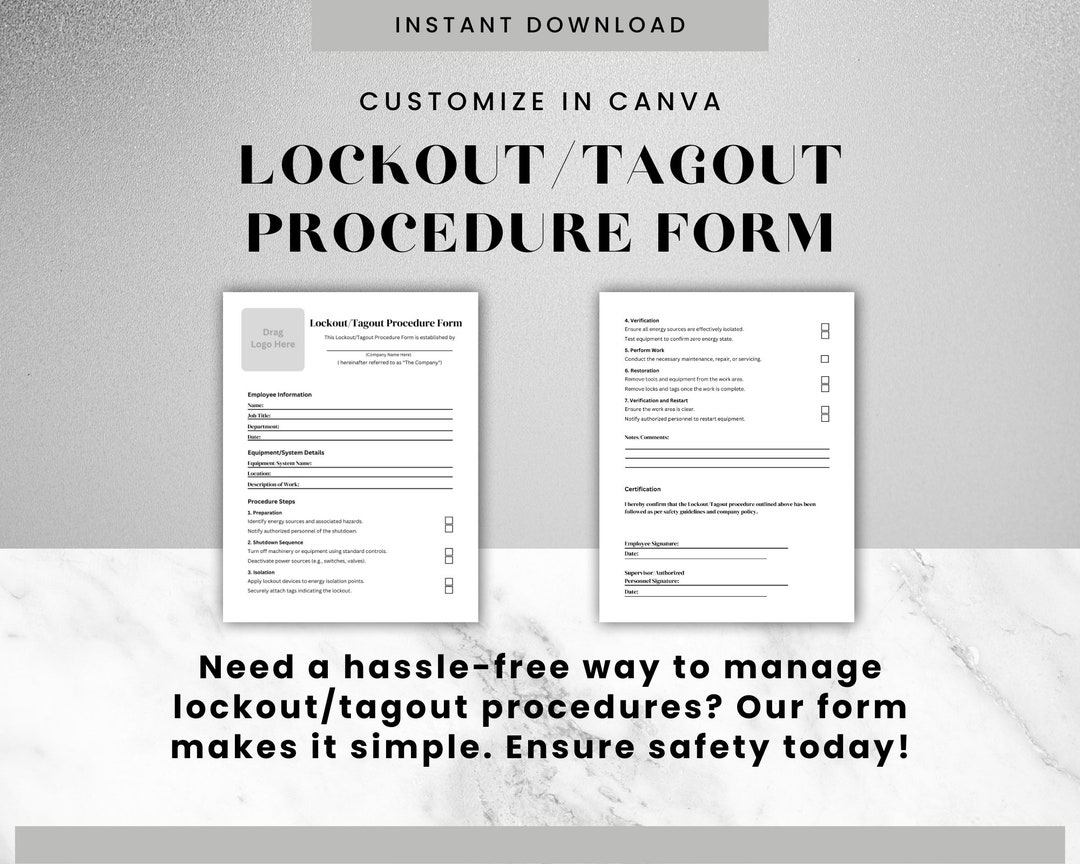
Every year, hundreds of workers suffer serious injuries—or worse—during equipment servicing. The leading cause? Unexpected startup of machinery during maintenance. The solution? A properly executed lockout tagout (LOTO) procedure backed by a clear, standardized form. At the heart of every effective energy control program lies the LOTO procedure form—a documented roadmap that ensures machines are safely de-energized, isolated, and secured before any work begins.
This isn’t just paperwork. It’s a legal requirement under OSHA 29 CFR 1910.147 and a frontline defense against catastrophic incidents. Yet, in too many facilities, LOTO forms are incomplete, inconsistently applied, or missing critical steps. The gap between having a form and having an effective one can mean the difference between a routine maintenance task and a life-altering accident.
Below, we break down what makes a high-functioning lockout tagout procedure form, how to implement it correctly, and where most organizations fail—even when they think they’re compliant.
What Is a Lockout Tagout Procedure Form?
A lockout tagout procedure form is a standardized document that outlines the exact steps required to isolate all forms of hazardous energy from a machine or piece of equipment before maintenance, repair, or servicing. It serves multiple purposes:
- Clarity: Provides step-by-step shutdown and isolation instructions.
- Accountability: Identifies authorized employees and their responsibilities.
- Verification: Includes checklist-style confirmation of each step.
- Compliance: Documents adherence to OSHA regulations.
Unlike a general LOTO policy, which applies organization-wide, the procedure form is machine-specific. One form exists for a conveyor line, another for a hydraulic press, and so on. Each is tailored to the unique energy sources and control points of that equipment.
Example: A CNC lathe might use electrical, pneumatic, and mechanical energy. The corresponding LOTO form would list isolation points for the main power disconnect, air supply valve, and tension release mechanism—each requiring a lock and tag.
Without this specificity, workers are forced to make on-the-spot decisions, increasing the risk of missed energy sources.
Key Elements of an Effective LOTO Procedure Form
A high-quality form isn’t just a list of steps—it's engineered for clarity, safety, and compliance. Include these components:
1. Equipment Identification Clearly state the machine name, model, location, and ID number. Use photos or diagrams when helpful. Why it matters: Prevents confusion in facilities with multiple similar machines.
2. Energy Sources List all energy types involved: electrical, hydraulic, pneumatic, chemical, thermal, gravitational, etc. Common mistake: Overlooking stored energy (e.g., springs or elevated loads).
3. Shutdown Steps Sequential instructions for safely stopping the equipment:
- Notify affected employees
- Activate machine stop
- Shut down using designated controls
4. Isolation Points Pinpoint exact locations where locks and tags must be applied: - Main power disconnect - Valve shutoffs - Pressure relief points
Include lock types and tag language (e.g., “Do Not Operate – Maintenance in Progress”).
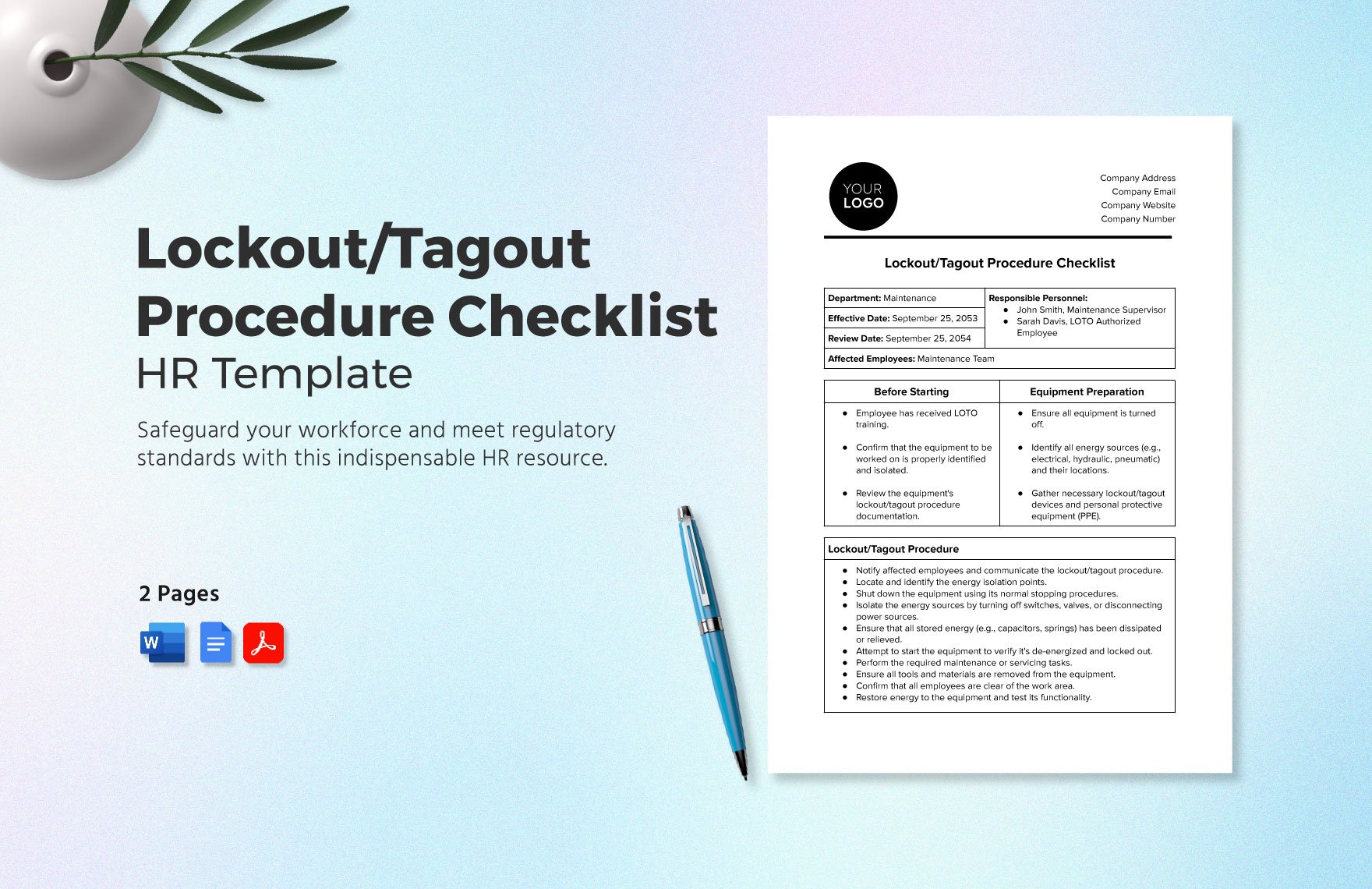
5. Lock Application Define who applies locks and how many are needed. Only authorized employees may perform this step.
6. Stored Energy Dissipation Detail how residual energy will be safely released:
- Bleeding hydraulic lines
- Draining capacitors
- Lowering suspended parts
Critical tip: Verify zero energy state using a test-start procedure—only after all locks are in place and with proper PPE.
7. Verification & Sign-Off Include a checkbox for confirming de-energization and space for employee signatures and timestamps.
Why Standard Templates Fail in Real Workplaces
Many companies download generic LOTO templates from the internet and call it compliance. That’s a dangerous shortcut.
Problem: A universal template won’t account for machine-specific hazards. Real-world case: A maintenance team used a standard form for a packaging machine but missed a secondary air line that re-pressurized the system during service. The machine cycled unexpectedly, resulting in a crushed hand.
Effective approach: Customize every form to the specific equipment. Involve maintenance technicians in the drafting process—they know the quirks and hidden risks.
Use templates as a starting point, never the final product.
Common Mistakes That Undermine LOTO Forms
Even with a solid form, execution failures can still lead to accidents. Watch for these recurring issues:
- Using tags without locks: Tagout alone is insufficient when energy isolation can’t be physically locked. OSHA allows this only under strict conditions.
- Group lockout confusion: Multiple workers on one machine? Each must apply their own lock. A single master lock creates accountability gaps.
- Poor form accessibility: If the LOTO form isn’t posted near the machine or stored in an offline system, it won’t be used.
- Outdated procedures: After equipment upgrades, old forms become dangerous. Review and update after any modification.
- Skipping verification: Assuming the machine is dead without testing is a recipe for disaster.
Pro tip: Conduct monthly audits where a safety officer shadows a maintenance task, checking form accuracy and adherence.
Digital vs. Paper LOTO Forms: What Works Better?
The shift toward digital LOTO systems is accelerating. But is it right for your operation?
| Factor | Paper Forms | Digital Forms |
|---|---|---|
| Accessibility | Can be lost, damaged, or misfiled | Cloud-based, accessible via tablet or phone |
| Version Control | Hard to update across locations | Instant updates, audit trail |
| Compliance Tracking | Manual logging, prone to gaps | Automated timestamps, user logs |
| Training Integration | Separate from form | Can embed videos, diagrams, quizzes |
| Cost | Low upfront | Higher initial investment |
Best for small shops: Well-organized paper systems with binders at each workstation. Best for large or multi-site operations: Digital platforms with mobile access and integration into CMMS.
Real use case: A Midwest manufacturing plant reduced LOTO errors by 67% after switching to a tablet-based system that required workers to scan QR codes on machines before accessing the correct form.
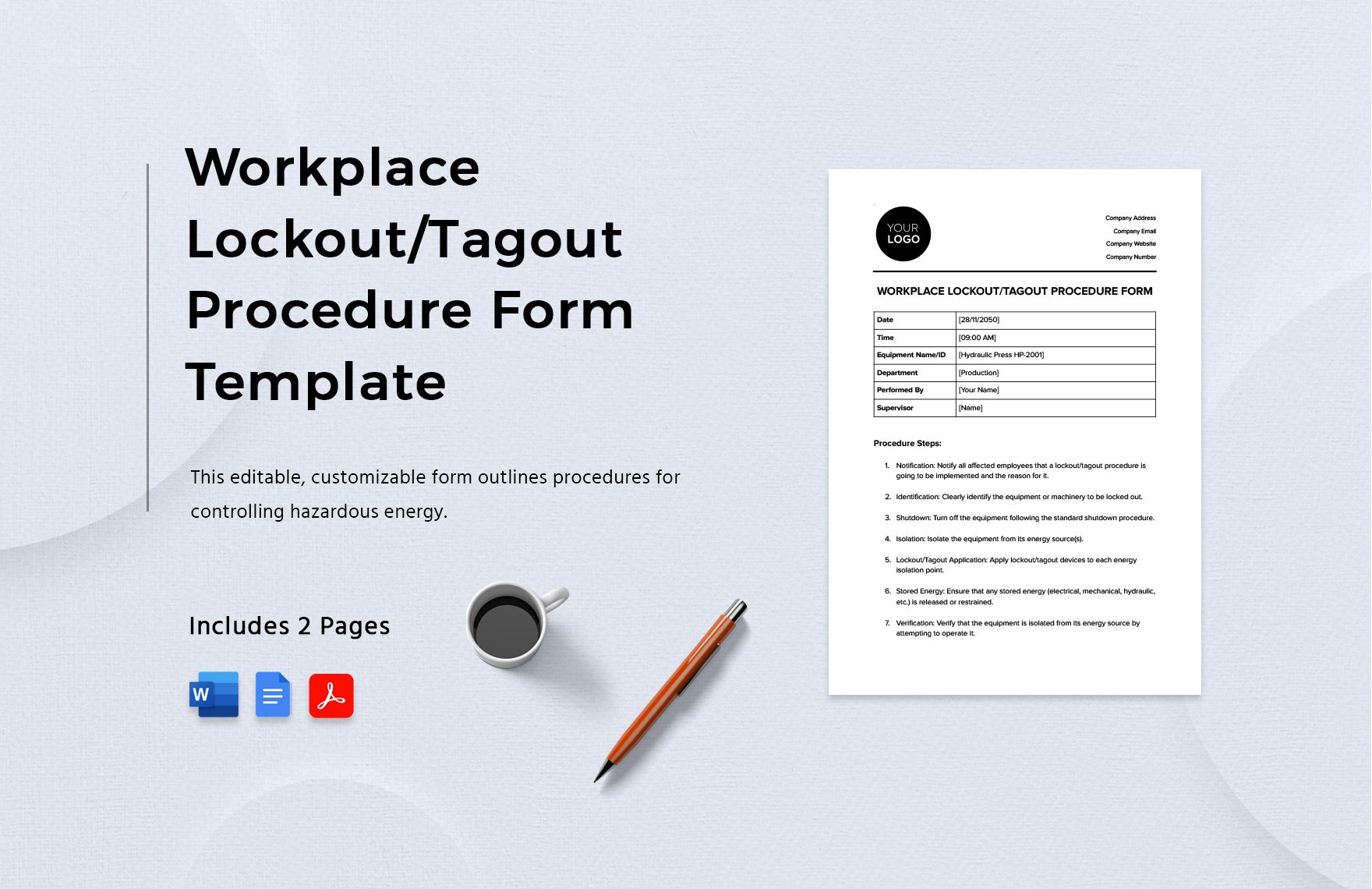
5 LOTO Procedure Form Tools and Platforms For organizations ready to standardize and scale, consider these solutions:
- EHS Insight
- - Cloud-based safety management with customizable LOTO modules
- - Includes form builder, audit trails, and OSHA reporting
- Permit to Work by Sphera
- - Integrates LOTO with other safety workflows
- - Strong for complex industrial environments
- LockOut/TagOut Manager by Seton
- - Print customizable forms or use digital version
- - Ideal for companies transitioning from paper
- Fetcho LOTO
- - Mobile-first platform with GPS-tagged lock application
- - Real-time alerts and compliance dashboards
- ProCam Safety
- - Video-supported LOTO procedures
- - Great for training and remote verification
Each offers templates, but the real value is in enforcement, tracking, and integration with your existing safety culture.
How to Audit Your Current LOTO Procedure Forms
Compliance isn’t a one-time effort. OSHA requires annual inspections. Go beyond the checkbox with this audit framework:
- Walk the Procedure: Follow the form step-by-step on the actual machine. Does it match reality?
- Check Completeness: Are all energy sources listed? Are isolation points clearly marked?
- Test Clarity: Give the form to a technician unfamiliar with the machine. Can they follow it safely?
- Review Records: Are forms signed? Are dates and times accurate?
- Observe Behavior: Watch a lockout in progress. Are workers skipping steps or improvising?
Insight: During audits, 40% of facilities discover at least one machine missing a LOTO form entirely.
Document findings and assign corrective actions. Repeat every 12 months—or sooner after an incident.
Real-World Example: Building a LOTO Form for a Hydraulic Press
Let’s walk through creating a form for a 50-ton hydraulic press:
- - Equipment ID: HP-204, Production Floor B
- - Energy Sources: Electrical (480V), Hydraulic (oil under pressure), Mechanical (ram movement)
- - Shutdown Steps:
- Press emergency stop
- Close main disconnect switch
- Shut off hydraulic pump
- - Isolation Points:
- - Electrical panel lock (lock #HP204-E1)
- - Hydraulic valve lock (lock #HP204-H1)
- - Stored Energy Release:
- - Open pressure relief valve
- - Lower ram to bottom position
- - Verification:
- - Attempt test start (no movement = safe)
- - Confirm zero pressure on gauge
- - Sign-Off:
- - Technician name, signature, time
This form is posted on the machine and duplicated in the digital system. After installation, incident reports related to the press dropped to zero.
Final Step: Turn Forms Into a Living Safety Practice
A lockout tagout procedure form is only as good as its use. The most compliant organizations treat LOTO not as paperwork, but as a core safety behavior.
- Train all authorized employees—not just on how to use the form, but why each step matters.
- Empower workers to stop work if a form is missing or unclear.
- Review near-misses: What would the form have prevented?
- Update forms immediately after equipment changes.
Your LOTO form isn’t just a document. It’s a promise: that no one will be hurt because a machine turned on when it shouldn’t.
Start today. Audit one form. Fix one gap. Save a life.
FAQ
What should you look for in Lockout Tagout Procedure Form Essentials for Safety Compliance? Focus on relevance, practical value, and how well the solution matches real user intent.
Is Lockout Tagout Procedure Form Essentials for Safety Compliance suitable for beginners? That depends on the workflow, but a clear step-by-step approach usually makes it easier to start.
How do you compare options around Lockout Tagout Procedure Form Essentials for Safety Compliance? Compare features, trust signals, limitations, pricing, and ease of implementation.
What mistakes should you avoid? Avoid generic choices, weak validation, and decisions based only on marketing claims.
What is the next best step? Shortlist the most relevant options, validate them quickly, and refine from real-world results.